
SHEET / 02 — BROWSE INDEX
Browse stories by vibe, genre, and obsession
Filter by genre, scan cover galleries, and jump into chapters fast. Find new serials, one-shots, and hidden gems—then save to My Library so your next read is always one tap away.
-
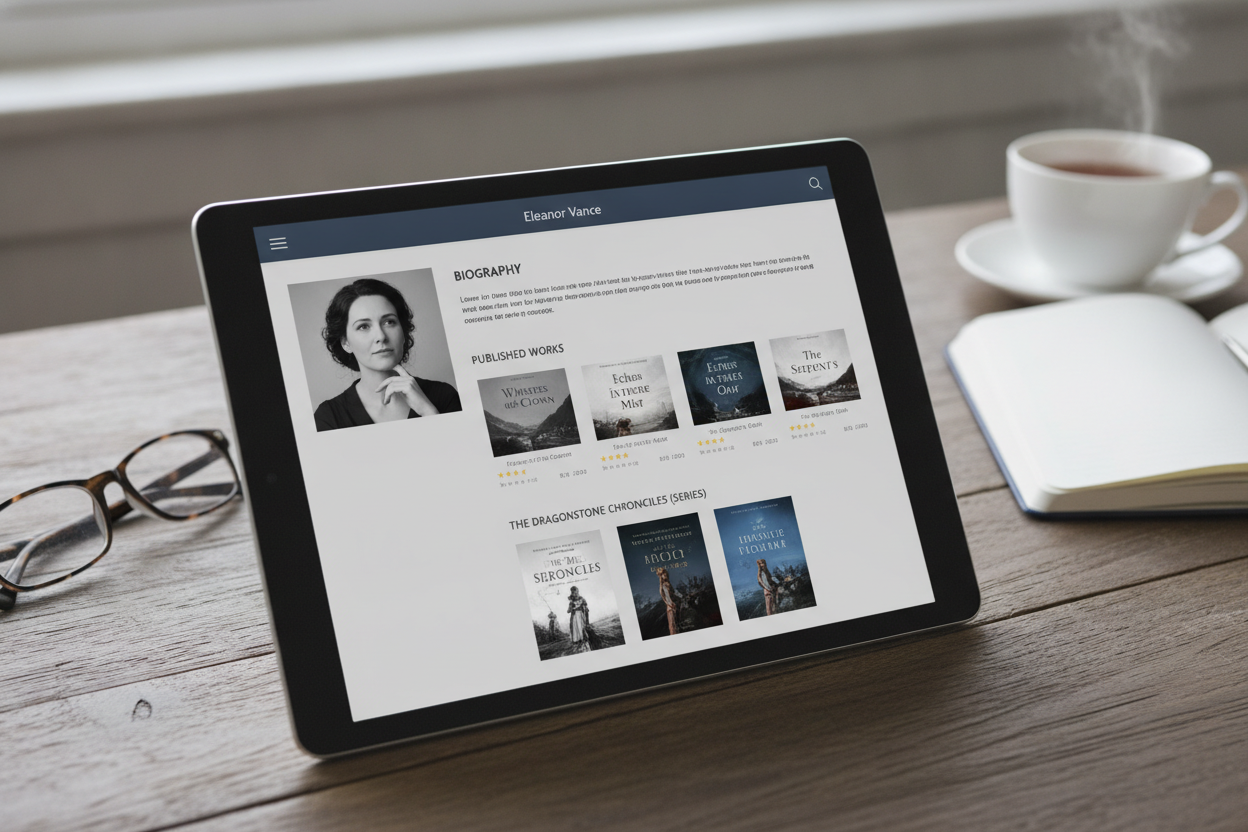
Author Profiles
Read more: Author ProfilesShowcase each author’s published works, biography, and series in a polished profile page format.
-
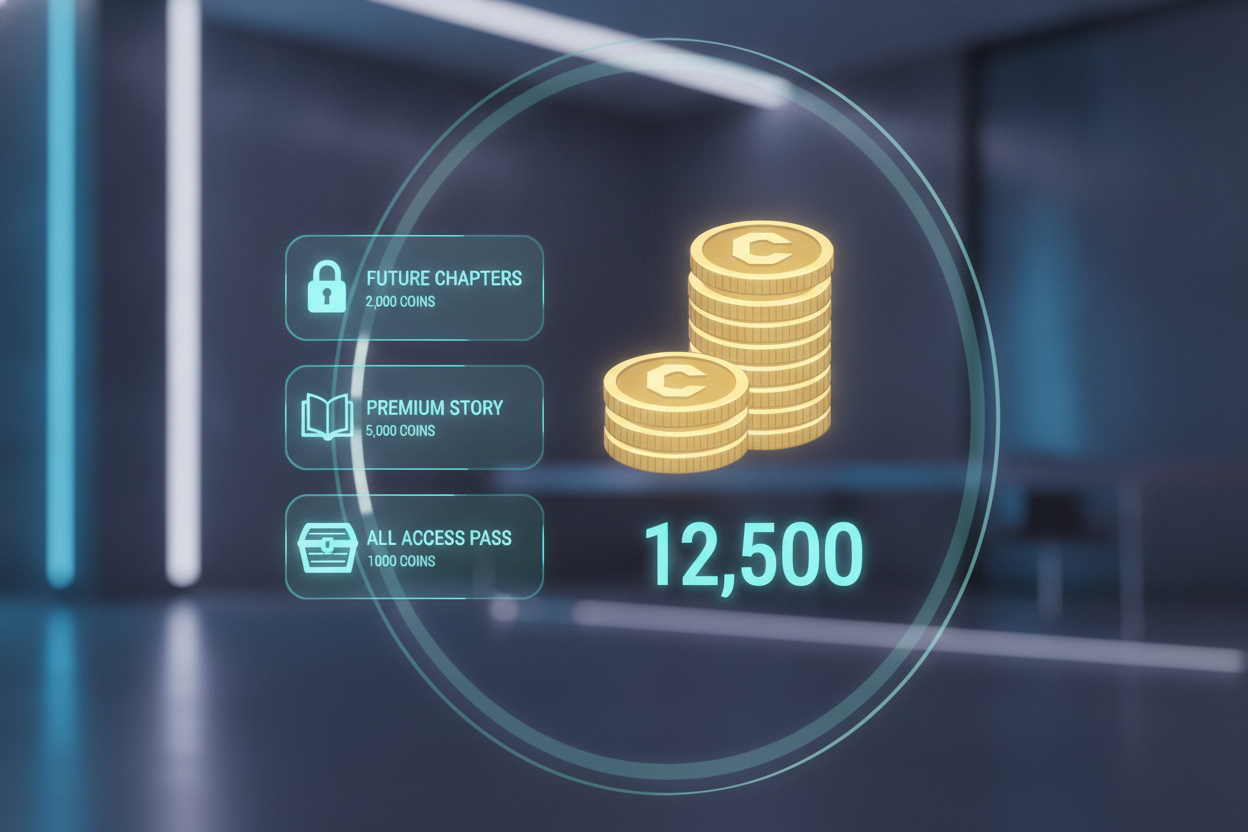
Coin Wallet
Read more: Coin WalletDisplay virtual coin balances and package options for future chapter unlocks and premium story access.
-

Reader Accounts
Read more: Reader AccountsSupport secure sign-up, login, and profiles so readers can personalize their experience and sync progress.
-
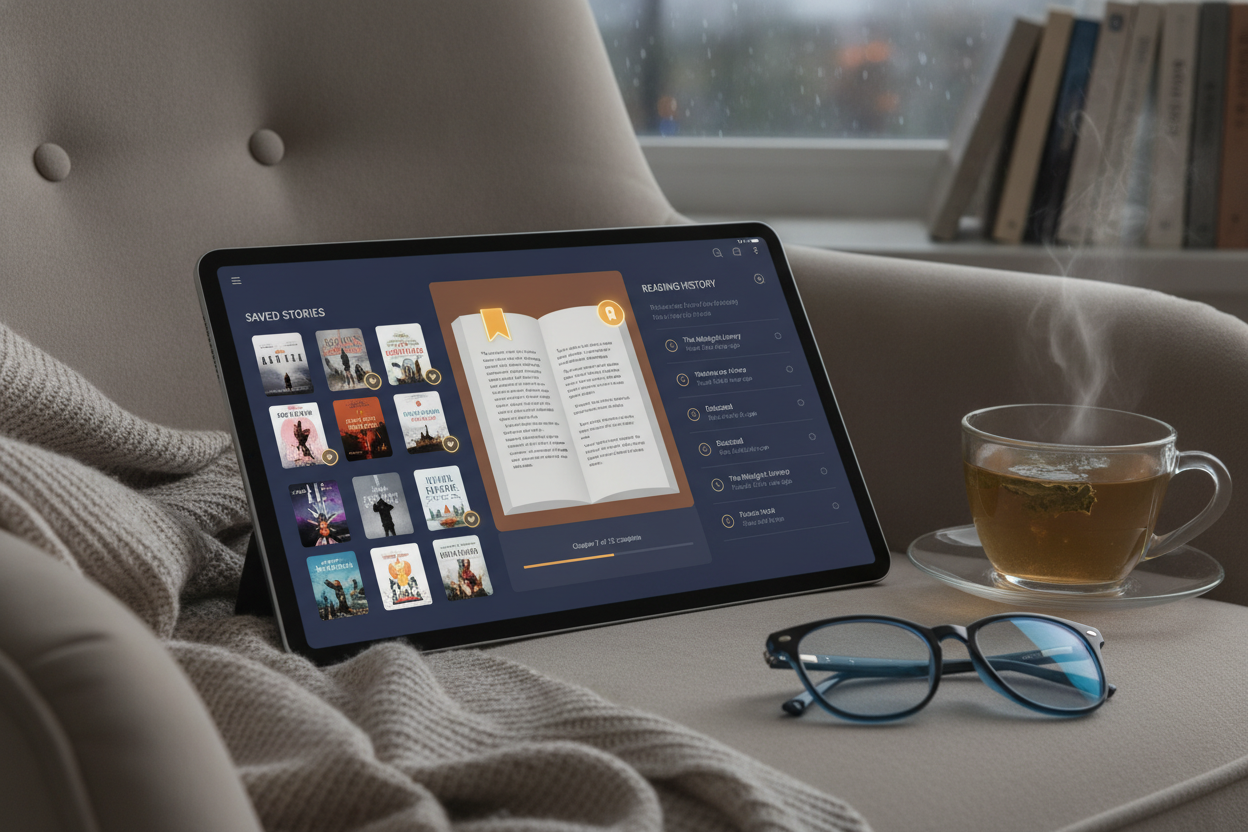
My Library
Read more: My LibraryLet readers save stories, track bookmarks, and revisit reading history from one personal library.
-
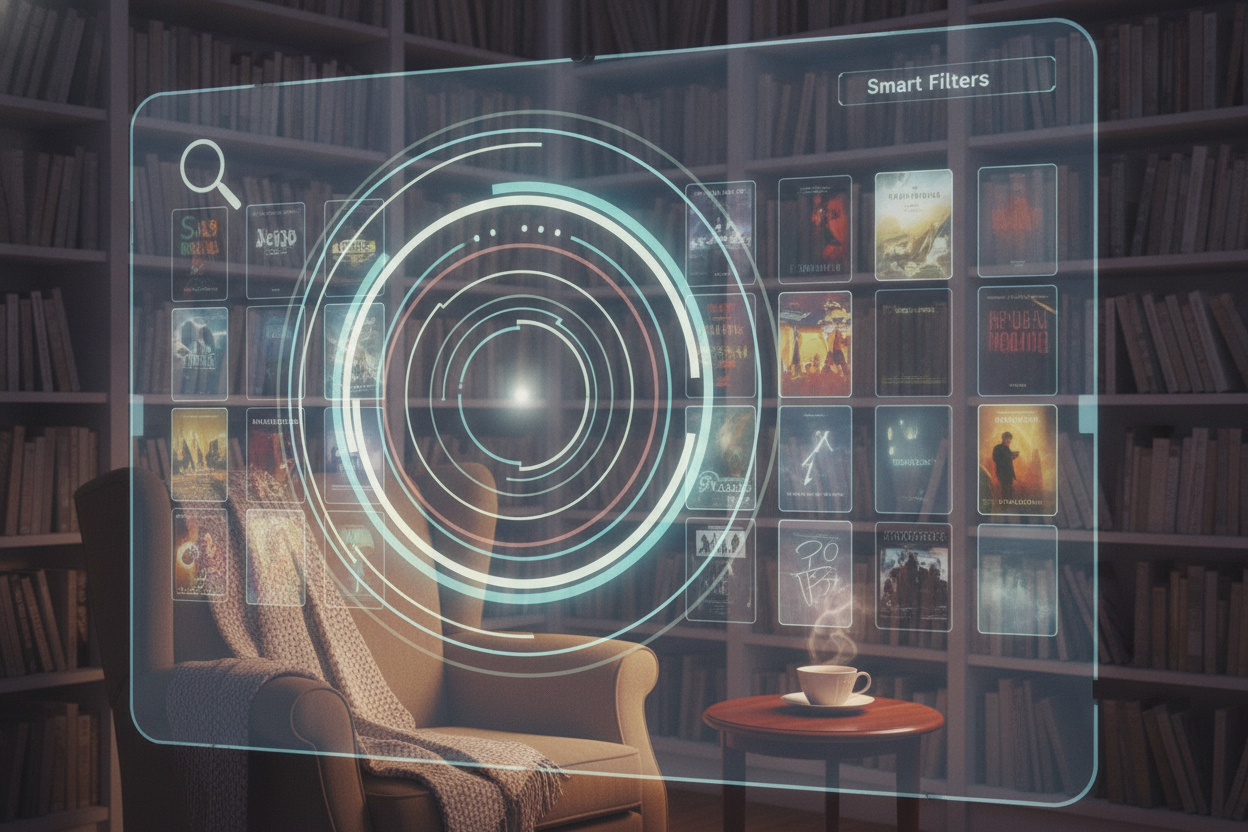
Story Discovery
Read more: Story DiscoveryBrowse popular, trending, and new releases with smart filters, search, and genre-based recommendations.
-
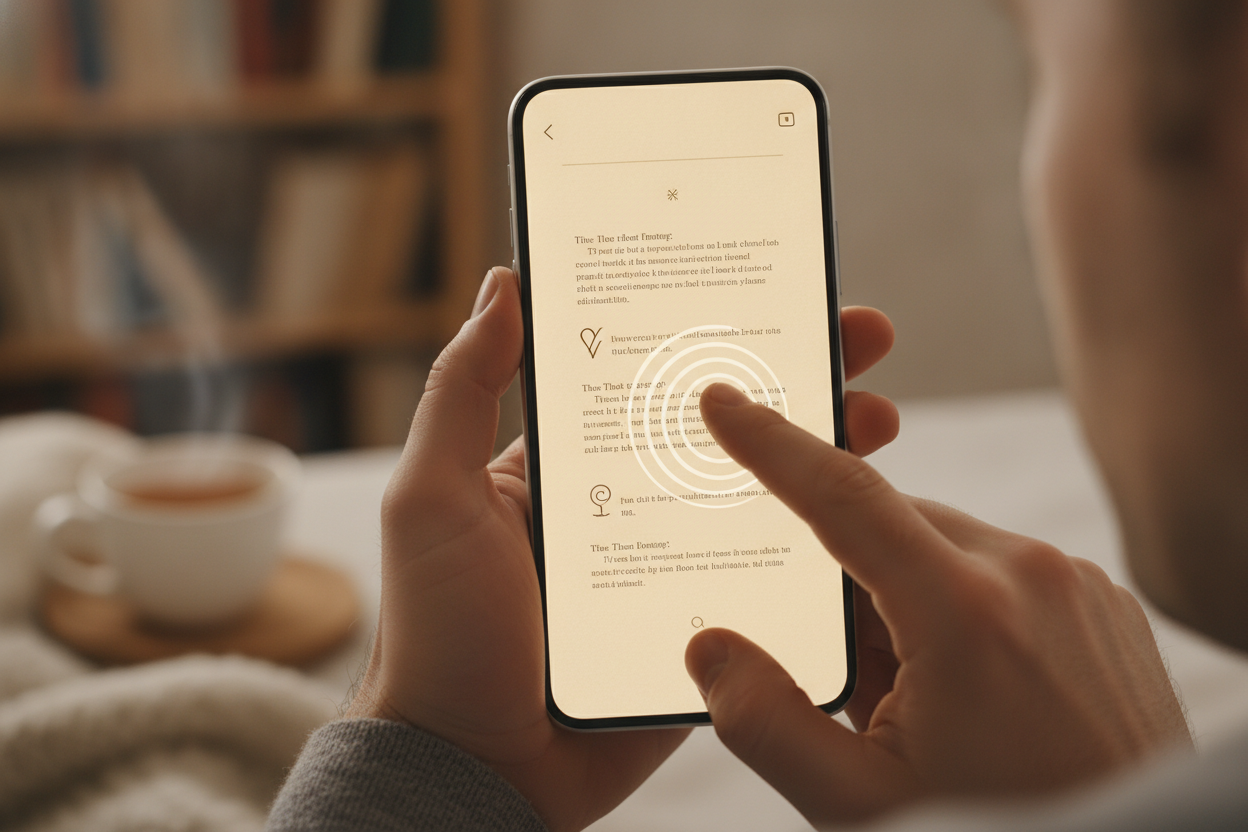
Immersive Reading
Read more: Immersive ReadingEnjoy distraction-free story pages built for mobile reading, with elegant typography and smooth navigation.
BROWSE — QUICK STATS
Find your next obsession in a few taps
Filter by genre, search by title or author, and scan cover galleries built for mobile. Save promising reads to My Library, pick up where you left off, and keep your streak alive—without the noise.
20+
GENRES & TAGS
From romance and fantasy to horror, LitRPG, and thrillers—mix broad genres with niche vibes.
1 TAP
SAVE TO LIBRARY
Bookmark stories for later and track what you’re reading now, next, and finished.
SMART
SEARCH & FILTERS
Find titles fast with keyword search plus genre filters designed for quick browsing.
0$
COINS: PLACEHOLDER
Wallet, balances, and unlock flows are UI previews for now—purchases aren’t active yet.
MOBILE-FIRST
UPDATED WEEKLY
REV 01
BROWSE — FAQ
Browse stories like a reading app
Quick answers on finding genres, saving to your library, and how chapters and coin unlocks are intended to work. Note: purchases and unlocking are shown as placeholders until payments and accounts are fully live.
Q-01
How do I find stories by genre?
Head to Browse and use the genre filters to narrow the catalog (fantasy, romance, horror, thrillers, LitRPG, and more). You can also search by title or author, then tap a cover to see the blurb, tags, and chapter list.
Q-03
Can I save stories for later?
Yes. Add a story to My Library to keep it in one place for easy return reading. Your library is designed to hold saved titles, bookmarks, and reading history so you can pick up right where you left off across devices.
Q-05
What’s the difference between a short story and a series?
Short stories are complete in one reading session (or a small set of chapters). Series are serialized novels released in parts, with a chapter list that grows over time—perfect for following ongoing arcs and getting new updates.
Q-02
How do coins and chapter unlocks work?
Coins are a planned virtual currency you’ll use to unlock chapters or full stories permanently. You’ll see coin balances, packages, and unlock buttons in the UI, but they are non-operational placeholders until secure payments and account systems are implemented.
Q-04
Are any chapters free?
Some stories may offer free starter chapters so you can sample the vibe, writing style, and genre fit before unlocking more. Availability can vary by title and author, and free chapters will be clearly marked in the chapter list.
Q-06
What if I’m having trouble reading on mobile?
Try increasing your device text size, switching to a darker or lower-brightness setting, and reading in portrait mode for cleaner line length. If a page won’t load or your place won’t save, contact support with the story title and device details.
BROWSE — YOUR NEXT READ
Find a story. Save it. Start reading tonight.
Filter by genre, vibe, and length—then tap into cover galleries, blurbs, and author pages built for mobile. Save favorites to My Library and pick up where you left off across chapters and series.
NEW DROPS WEEKLY
MOBILE-FIRST READER
COINS PLACEHOLDER
NEXT — BUILD YOUR LIBRARY
Save stories for later, track your progress, and keep your reading streak alive—your shelf is always one tap away.